Welcome to the Fasterize Academy

Learn how to use Fasterize effectively with our guides, tutorials, and practical resources. From onboarding to advanced uses, the Fasterize Academy supports you with EdgeSpeed and EdgeSEO.

Search within the Fasterize Academy

Search for an article by keyword.

First steps with Fasterize

Get to grips with the Fasterize console and learn its essential basics so that you can confidently use our products (EdgeSpeed, EdgeSEO).

Extension & debug
Beginner Tooling ⏱ 5 min
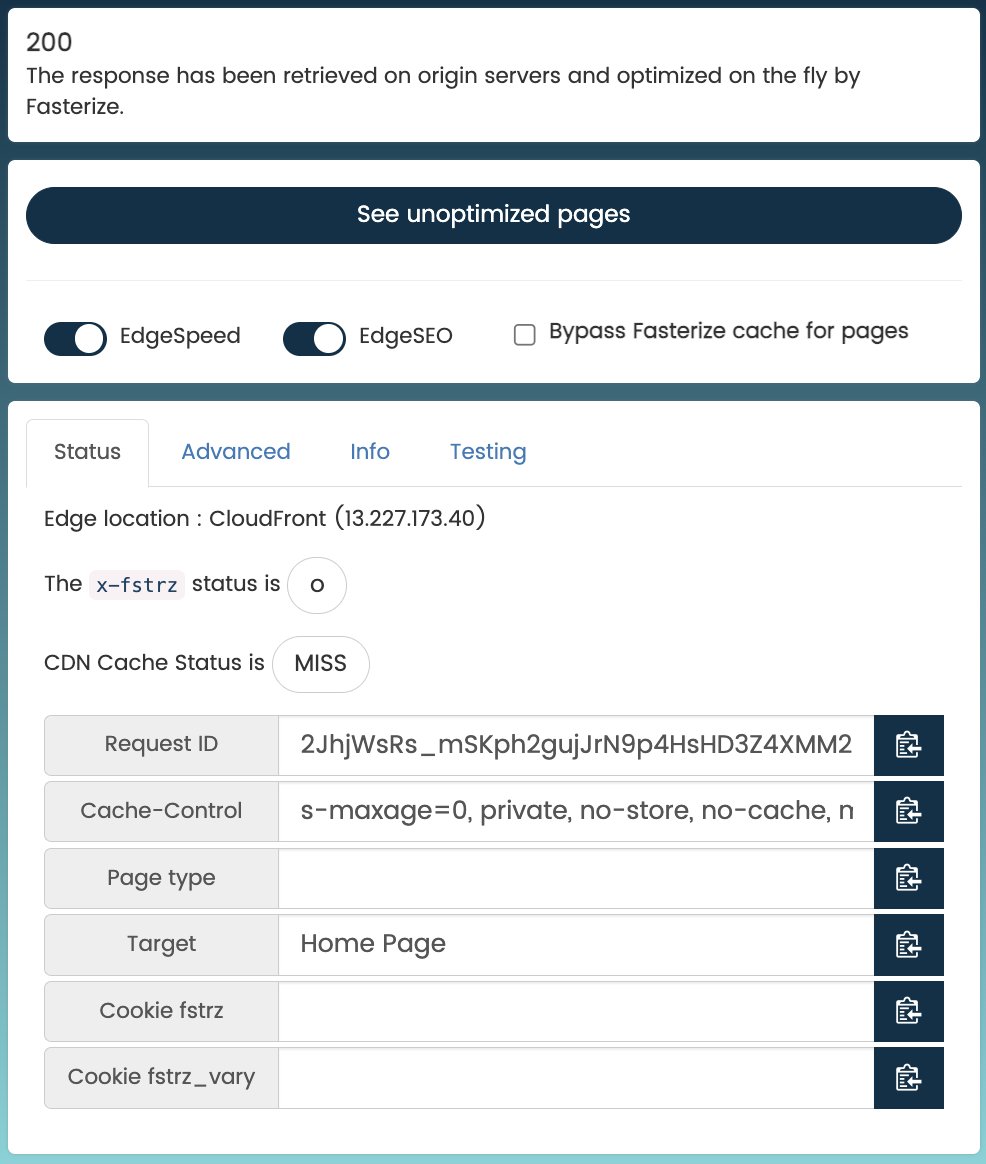
How to use the Fasterize extension to test and diagnose your optimizations?

Analyze your pages, inspect the headers, and diagnose the optimizations applied.

See the guide

Webinars & White Papers

Access our educational content: webinar replays, white papers, presentations, and instructional videos to learn more about EdgeSEO and EdgeSpeed.

See all content

Discover our products

Explore Fasterize solutions and access documentation, use cases, and educational resources for each product.

Optimize your website's web performance with EdgeSpeed applications: cache, JavaScript, images, HTML, and advanced edge-side optimizations.

Access the EdgeSpeed Academy

Manage your SEO strategy without technical constraints thanks to EdgeSEO applications: on-page optimizations, redirects, SEO rules, and rapid deployments.

Access the EdgeSEO Academy

Need help using Fasterize?

Fasterize support assists you in using our applications, from configuration to analysis of results.

During business hours (9 a.m. to 6 p.m.), our teams are available via the console to answer your technical and functional questions.
Outside these hours, on-call support is available 24 hours a day for incidents requiring immediate intervention, in order to guarantee the continuity of your site.

Frequently Asked Questions

Find answers to frequently asked questions about Fasterize here.

Test the page without optimizations using the Fasterize extension or by accessing the source directly to check if the problem persists.

Read the article

5xx errors usually originate from the source. Check the server logs, infrastructure availability, and forward the requestID to support.

Read the article

Fallback mechanisms ensure direct access to the source in the event of an incident on the Fasterize platform.

Read the article

X-fstrz headers indicate precisely which optimizations have been applied to a request (cache, exclusions, rules).

Read the article

To connect your site to Fasterize, you usually just need to modify the DNS record corresponding to the www subdomain.

Subdomain TTL Type Value
www 3600 CNAME www.example.com.fasterized.com

Note 1: The period (.) at the end of the value is mandatory but may be added automatically by your DNS provider.
Note 2: The TTL is indicative and can be adjusted according to your configuration.

Read the article

Collect key information (URL, time, requestID), check the platform status, and contact support if necessary.

Read the article

To connect your site, you must whitelist the platform's official IP addresses.

Read the article